

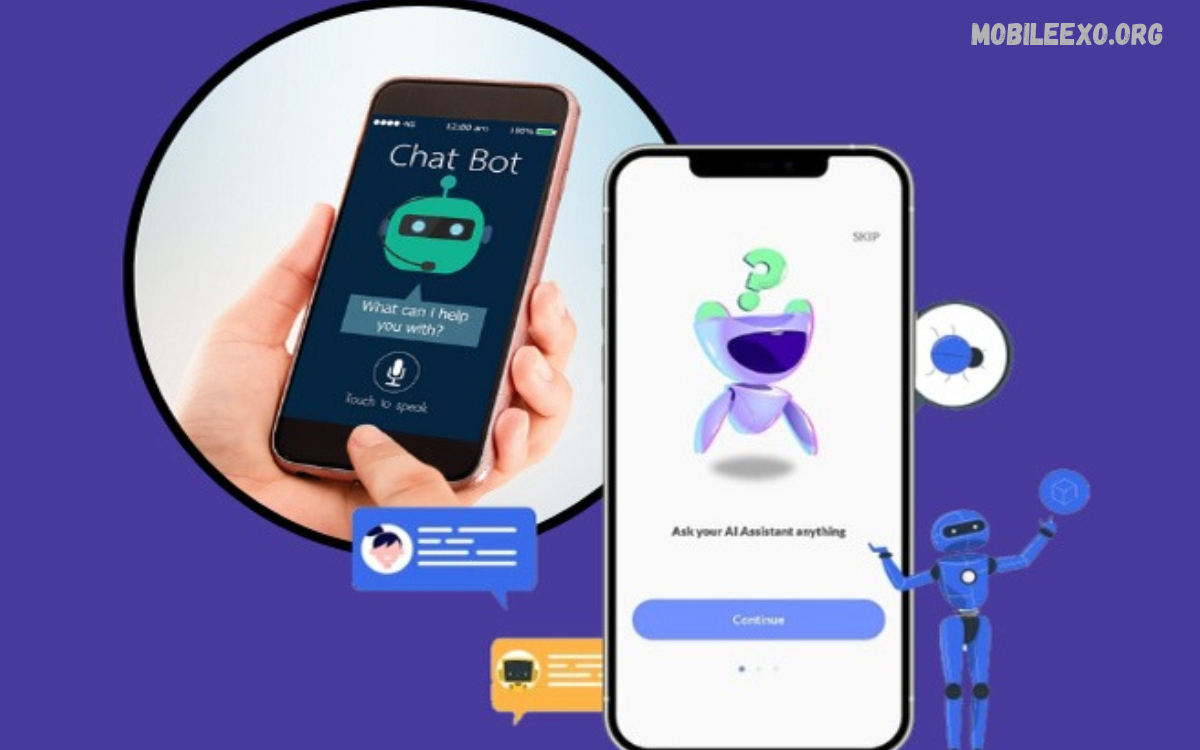
AI chatbot apps have become useful digital tools for students, professionals, content creators, and everyday users. These applications use artificial intelligence to answer questions, explain concepts, generate ideas, summarize information, and support a range of tasks through natural conversation.
This AI Chatbot Apps Review explores popular chatbot applications, their main features, practical benefits, limitations, and important selection factors. Understanding these tools can help users choose an app that matches their needs, budget, privacy expectations, and preferred working style.
What Are AI Chatbot Apps?
AI chatbot apps are software applications designed to communicate with users through text or voice. Many use large language models to understand prompts, recognize context, generate responses, and assist with tasks such as writing, research, brainstorming, translation, and problem-solving.
Modern chatbot applications offer more than simple question-and-answer conversations. Depending on the platform, users may access image understanding, file analysis, web search, coding assistance, voice conversations, and personalized workflows. Features vary by app, subscription, region, and device.
Why AI Chatbot Apps Are Popular
One major reason for their popularity is convenience. Instead of searching through numerous webpages or manually organizing information, users can describe a task in everyday language and receive a structured response. This approach can make learning, planning, and creative work easier.
Another important advantage is flexibility. A chatbot can help draft an email, explain a difficult topic, generate project ideas, or organize a daily schedule within the same conversation. However, users should verify important information because AI-generated responses can contain mistakes or outdated details.
Best AI Chatbot Apps to Consider
Several AI chatbot applications offer different strengths, making it important to compare their capabilities rather than assuming every platform performs equally well. Popular options include ChatGPT, Google Gemini, Microsoft Copilot, Claude, and Perplexity, each designed around a somewhat different user experience.
The best choice depends on individual requirements, including writing quality, research support, productivity tools, creative assistance, and integration with existing services. Free access may be sufficient for occasional tasks, while paid plans can offer higher limits or additional capabilities.
ChatGPT Review: Features and Benefits
ChatGPT is a general-purpose AI assistant designed to support writing, learning, brainstorming, coding, analysis, and everyday problem-solving. Users can ask follow-up questions, refine instructions, explore ideas, and request different formats without starting a completely new conversation for every task.
Depending on the available plan and settings, ChatGPT may also support image understanding, voice conversations, file analysis, web research, and other tools. Its broad range of uses makes it a practical option for users who want one assistant for multiple activities, although answers should still be checked for accuracy.
Google Gemini Review: Smart Assistance
Google Gemini is an AI assistant that can help users explore ideas, summarize information, draft content, and understand complex subjects. Its integration with supported Google services can be useful for people whose daily activities already involve Google’s digital ecosystem.
Available features depend on the account, region, subscription, and connected services. Gemini can be worth considering for productivity and information tasks, but users should review permissions carefully before connecting personal accounts or sharing confidential documents.
Microsoft Copilot Review: Productivity Support
Microsoft Copilot offers AI assistance for tasks such as writing, summarizing, brainstorming, and finding information. Its connection with supported Microsoft products can make it useful for people who regularly work with documents, presentations, spreadsheets, and other productivity applications.
Some capabilities are available through different Copilot experiences or subscription levels. Before choosing this option, users should confirm which features are included in their account and whether their preferred applications support the intended workflow.
Claude Review: Writing and Analysis
Claude is an AI assistant developed by Anthropic, with capabilities for writing, summarization, coding, analysis, and document-based tasks. Users may find it helpful when they need to organize lengthy material, refine explanations, or explore complicated ideas through a conversational interface.
As with other AI assistants, results depend on the prompt, model, and available tools. Users should compare its performance on their actual tasks instead of relying entirely on general rankings or promotional claims.
Perplexity Review: AI-Powered Research
Perplexity focuses on answering questions through AI-assisted information discovery. Its search-oriented experience can help users explore topics, identify relevant webpages, and review cited sources alongside generated explanations.
This approach can be especially useful when researching current topics or gathering starting points for an article. Nevertheless, citations should be opened and checked directly because a cited page may not fully support every statement in an AI-generated response.
Key Features of AI Chatbot Apps
The features offered by chatbot applications can influence their usefulness for different audiences. Common capabilities include natural-language conversations, content generation, summarization, translation, brainstorming, coding assistance, and explanations tailored to a requested level of detail.
More advanced options may include voice input, image analysis, file uploads, internet search, custom assistants, and integrations with other applications. Before selecting a platform, users should distinguish between features advertised generally and features actually available within their account.
AI Chatbot Apps for Students
Students can use chatbot apps to understand challenging concepts, review notes, generate practice questions, and organize study schedules. Asking an assistant to explain a topic using simple language or provide a step-by-step conceptual overview can make unfamiliar material easier to approach.
AI tools should support learning rather than replace independent thinking. Students should check explanations against trusted educational resources, follow school policies, and complete assignments honestly. Personal information, private school records, and confidential documents should not be shared unnecessarily.
AI Chatbot Apps for Content Creators
Content creators can use AI chatbots to brainstorm article topics, develop outlines, improve readability, create social media drafts, and organize editorial calendars. These capabilities can reduce the time spent on repetitive preparation and help creators explore different approaches to a subject.
High-quality publishing still requires human judgment, original insights, fact-checking, and careful editing. Creators should avoid publishing unverified claims or generic material without adding value for readers. They should also review the relevant platform’s rules regarding originality, attribution, and commercial use.
AI Chatbot Apps for Business Productivity
Businesses can use chatbot applications to draft routine communications, summarize meeting notes, prepare project outlines, and develop customer-support resources. When used appropriately, these tools can help teams organize information and complete selected administrative tasks more efficiently.
Organizations should establish clear policies for sensitive data, employee access, and output verification. Confidential customer records, financial details, internal strategies, and proprietary documents require particular care. AI-generated business decisions should receive appropriate human review before implementation.
AI Chatbot Apps for Writing and Editing
Writing assistance is one of the most common applications of conversational AI. Users can request grammar corrections, clearer explanations, alternative headings, shorter paragraphs, or different tones for emails, reports, and articles.
However, AI-generated writing can sound repetitive or include unsupported details. Writers should review the final text for accuracy, originality, audience suitability, and consistency. The strongest results usually come from combining clear instructions with personal expertise and thoughtful editing.
AI Chatbot Apps for Coding and Technical Support
Many AI assistants can explain programming concepts, suggest code, identify possible errors, and help developers understand unfamiliar functions. Beginners may benefit from asking for explanations of individual code sections rather than requesting a complete solution without understanding it.
Generated code must be tested before being used in a real project. Security weaknesses, incorrect assumptions, outdated libraries, and compatibility issues can appear even in convincing responses. Developers should review official documentation and avoid sharing private credentials, access tokens, or confidential source code.
AI Chatbot Apps for Research and Information
Research-focused chatbot tools can help users discover relevant topics, summarize documents, and organize preliminary findings. Search-enabled platforms may also provide links to supporting webpages, helping readers investigate claims and locate original material.
AI research should be treated as a starting point rather than an unquestionable authority. Important claims need confirmation through reliable primary sources, official publications, or reputable subject-specific references. Users should also check publication dates when researching rapidly changing topics.
Read Also: AI Video Editor Review: Features, Benefits, and Best Editing Tools
Free vs Paid AI Chatbot Apps
Free chatbot plans can be suitable for occasional questions, basic writing, brainstorming, and general learning. They allow users to explore an application’s interface and determine whether its responses are useful before committing money to a subscription.
Paid plans may provide higher usage limits, access to additional models, advanced tools, or expanded productivity features. These benefits vary between services and can change over time. Users should compare current plan details and select an option that fits their actual usage rather than paying for features they rarely need.
User Interface and Ease of Use
A well-designed chatbot app should make it easy to start conversations, enter prompts, review responses, and continue previous discussions. Clear navigation, readable text, useful settings, and accessible controls can improve the experience for beginners and experienced users alike.
Mobile applications may also offer convenient voice input, sharing options, and access to conversations while travelling. Before relying on a specific app, users should check device compatibility, supported languages, accessibility features, and whether essential functions work without a paid subscription.
Accuracy and Response Quality
Response quality is a central consideration when reviewing AI chatbot applications. A useful assistant should understand instructions, remain relevant to the question, explain uncertainty when appropriate, and provide information in a format that suits the task.
No chatbot is accurate in every situation. Models can misunderstand context, invent details, produce incorrect calculations, or present uncertain information confidently. Users should verify medical, legal, financial, academic, and other high-impact information through qualified professionals or authoritative sources when necessary.
Privacy and Security Considerations
Privacy deserves careful attention when choosing an AI chatbot app. Depending on the provider and settings, conversations may be stored, reviewed, or processed to deliver services and improve products. Data handling practices differ, so users should read the provider’s privacy policy and account controls.
Avoid entering passwords, payment details, private identification documents, confidential business information, or other sensitive data unless the service is specifically appropriate and authorized for that purpose. Review data retention options, connected-app permissions, and available controls before using advanced features.
How to Choose the Right AI Chatbot App
Start by identifying the tasks you expect the chatbot to perform most often. Someone who needs writing assistance may prioritize editing quality, while a researcher may prefer source-linked answers. A developer might value code explanations, and a student may need clear educational support.
Next, compare ease of use, response quality, supported languages, privacy controls, device compatibility, and pricing. Test the same realistic prompt across a few suitable apps and compare the results. This practical method can reveal differences that general advertisements or feature lists may not communicate.
Tips for Getting Better AI Chatbot Results
Clear prompts usually produce more useful responses. Explain the task, provide relevant context, identify the intended audience, and specify the preferred format. For example, asking for a beginner-friendly explanation with practical examples is more informative than simply requesting information about a broad topic.
You can also improve results through follow-up instructions. Ask the chatbot to clarify difficult points, shorten a draft, identify assumptions, or separate verified facts from uncertain statements. Always review the response before using it, especially when accuracy, originality, or professional standards matter.
Common Limitations of AI Chatbot Apps
AI chatbot apps can struggle with ambiguous questions, complicated reasoning, niche subjects, and rapidly changing information. Some may also have usage limits, restricted file support, inconsistent responses, or features that require a subscription.
Another limitation is that fluent language does not guarantee reliable knowledge. A response may sound professional while containing errors or missing important context. Users should approach generated content critically, verify important claims, and use human expertise whenever the task requires dependable judgment.
Future Trends in AI Chatbot Applications
AI chatbot applications continue to develop through improvements in language understanding, multimodal interaction, tool use, and personalization. Some services are expanding their ability to work with text, images, audio, documents, and connected applications within a single experience.
Future developments may make assistants more useful for complex workflows and everyday productivity. However, progress will also require attention to privacy, transparency, reliability, and responsible use. Users should evaluate new capabilities based on demonstrated value rather than assuming every new feature is necessary.
Frequently Asked Questions
What Is the Best AI Chatbot App?
The best app depends on your requirements. ChatGPT, Google Gemini, Microsoft Copilot, Claude, and Perplexity each offer different strengths. Compare their available features, response quality, pricing, and privacy settings before selecting one.
Are AI Chatbot Apps Free to Use?
Many chatbot applications provide free access with certain limits. Additional models, higher usage allowances, or advanced features may require payment. Check each provider’s current pricing and plan conditions before subscribing.
Can AI Chatbot Apps Write SEO Articles?
AI chatbots can help generate outlines, suggest headings, improve readability, and draft content around a target keyword. Successful SEO articles still require accurate information, original value, useful structure, appropriate keyword use, and careful human editing.
Are AI Chatbot Apps Safe?
Safety depends on the application, its privacy practices, and how you use it. Review permissions and data policies, avoid sharing sensitive information unnecessarily, and verify important responses before acting on them.
Which AI Chatbot App Is Best for Research?
Perplexity can be useful for source-oriented research, while other assistants may also support web search or document analysis. Check the original sources, publication dates, and evidence behind important claims instead of relying exclusively on generated summaries.
Can AI Chatbot Apps Help Students Learn?
Yes. Chatbots can explain concepts, summarize notes, create practice questions, and support revision. Students should verify explanations, follow academic rules, and use these tools to develop understanding rather than simply copying answers.
Do AI Chatbot Apps Work on Mobile Phones?
Many popular chatbot services offer mobile applications, mobile-friendly websites, or both. Availability and features depend on the provider, device, operating system, and region. Check the official app listing before installation.
How Can I Get Better Answers From AI Chatbots?
Provide clear instructions, useful context, and a specific output format. Ask follow-up questions when needed and verify factual claims. Clearer prompts and careful review generally produce more useful results than accepting the first response without checking it.
Conclusion
This AI Chatbot Apps Review shows that different platforms serve different purposes. ChatGPT offers broad conversational assistance, Gemini can suit users working within Google’s ecosystem, Copilot supports Microsoft-oriented productivity, Claude offers writing and analysis capabilities, and Perplexity emphasizes AI-assisted research with sources.
There is no single best chatbot for every user. Compare the features available to you, test real tasks, check privacy practices, and review current pricing before making a decision.

1 Comment
Pingback: AI Study Apps Review: Best Features, Benefits, and Tools for Students - Mobileexo