

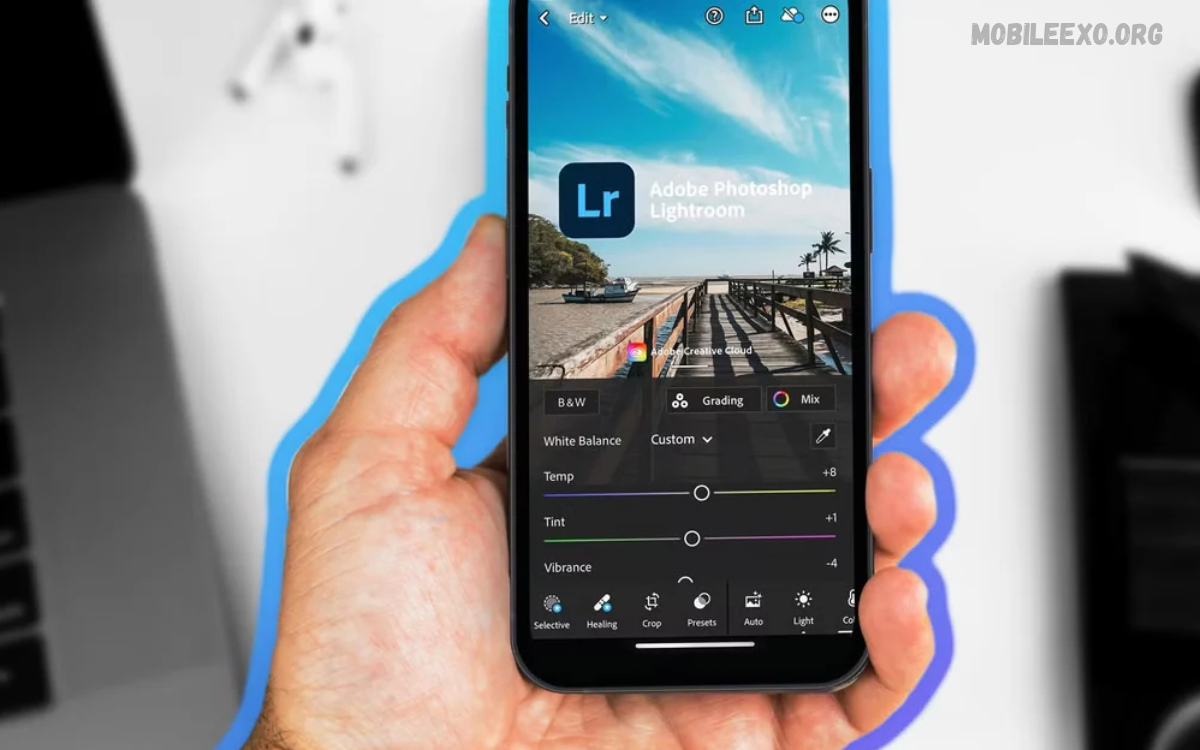
A Lightroom Mobile Review helps users understand how Adobe Lightroom transforms ordinary photos into polished, professional-looking images. The mobile app offers powerful editing tools, creative presets, color adjustments, and image-enhancement features for beginners and experienced photographers.
Lightroom Mobile offers a convenient photo-editing experience directly on smartphones and tablets. Its simple controls and advanced adjustments make it useful for social media creators, travel photographers, students, bloggers, and anyone who wants more control over photo quality without relying on desktop software.
What Is Lightroom Mobile?
Adobe Lightroom Mobile is a photo editing and management application designed for mobile devices. It combines essential adjustments, creative presets, detailed color controls, image organization, and advanced editing options in a single workspace, making it suitable for everyday photography and content creation.
Unlike basic photo filters, Lightroom lets users fine-tune individual settings to achieve a specific visual style. You can improve exposure, balance colors, recover image details, crop compositions, and create consistent edits for personal photography, websites, portfolios, and social media posts.
Lightroom Mobile Interface and Ease of Use
The application provides an organized editing workspace with tools grouped into useful categories. Beginners can start with automatic enhancements or presets, while experienced editors can explore manual controls to refine brightness, contrast, color, sharpness, and other visual properties.
The interface may feel unfamiliar at first because Lightroom offers more detailed controls than a standard gallery editor. However, regular practice makes the workflow easier to understand, and the ability to preview changes helps users see how different adjustments affect the final image.
Photo Importing and Image Organization
Lightroom Mobile lets users import pictures from their device and organize them into albums for easier access. This approach helps when managing travel photography, product photos, family memories, creative projects, or image collections prepared for online publishing.
Album organization is especially useful for large photo collections. Instead of repeatedly searching through a crowded gallery, users can separate images by project, location, subject, or editing style, creating a more efficient workflow for future adjustments and exports.
Photo Editing Tools and Manual Adjustments
The editing controls are one of Lightroom Mobile’s strongest features. Users can adjust exposure, contrast, highlights, shadows, whites, and blacks to improve light distribution across an image without relying entirely on automatic filters.
These controls offer greater flexibility when correcting challenging photographs. For example, reducing highlights can manage bright areas, while lifting shadows may reveal detail in darker sections, though results depend on the original image quality and available information.
Color Grading and Color Mixing
Color grading gives Lightroom Mobile a major advantage over simple filter applications. Users can modify temperature, tint, vibrance, and saturation to create different moods, ranging from natural colors to warm travel photography and cooler cinematic styles.
Color mixing adds control over individual color ranges, letting users adjust hue, saturation, and luminance. This is especially useful for improving skies, greenery, clothing, landscapes, and product photos without changing every color in the image equally.
Presets and Creative Photography Styles
Presets apply a pre-set collection of editing adjustments to a photograph, helping users achieve a specific look quickly. Lightroom Mobile offers preset-based workflows for different creative styles, while users can also create and manage their own presets for repeated use.
Presets help maintain visual consistency across a social media feed, photography portfolio, or website gallery. However, a preset may look different on each image because lighting, exposure, skin tones, and camera settings vary, so you often need additional adjustments for the best result.
AI Editing Features and Quick Actions
Lightroom Mobile includes AI-assisted tools that can help identify subjects, skies, and backgrounds for targeted adjustments. Quick Actions can suggest relevant improvements, reducing the effort needed for common edits and helping beginners discover useful options.
AI features can make complex tasks more accessible, but their results are not always perfect. Fine edges, complex backgrounds, unusual lighting, and small objects may require manual refinement, so review the selected areas before exporting an image.
Selective Editing and Masking Tools
Masking lets users edit specific parts of a photograph instead of applying adjustments to the entire image. Lightroom Mobile supports selection methods such as subject and sky detection, along with manual brushes and gradient tools for more precise control.
This feature is valuable when the subject looks too dark but the background is already bright, or when a landscape needs separate adjustments for the sky and foreground. Masks can be refined independently, giving you more creative control while preserving the look of other parts of the photo.
Background Blur and Portrait Editing
Portrait editing tools can help users draw attention to the main subject and create a more polished photograph. Lightroom Mobile includes background blur options and targeted adjustments that can improve the separation between a person and the surrounding environment.
The final result depends on image quality, subject boundaries, lighting, and device compatibility. For natural-looking portraits, subtle adjustments generally work better than excessive smoothing, strong color changes, or artificial-looking background effects that distract from the original photograph.
Object Removal and Image Retouching
Lightroom Mobile offers tools to remove selected distractions and retouch photos. Depending on the feature and device, users may remove unwanted objects, correct blemishes, or repair small areas that disrupt the overall composition.
These features can improve product photography, travel pictures, and everyday images containing distracting details. However, complex backgrounds may produce imperfect results, especially when removed objects overlap patterns, shadows, or key scene elements, so a careful final review is worthwhile.
Cropping, Straightening, and Perspective Correction
Cropping helps improve composition by removing unnecessary edges and placing the main subject in a stronger position. Lightroom Mobile also offers rotation and geometry controls to correct tilted horizons and improve the appearance of buildings and other architectural subjects.
Perspective correction is especially useful for property photos, interior shots, and city scenes where vertical lines may look slanted. Careful cropping and alignment can make images look more balanced, although aggressive corrections may reduce the available frame or introduce unwanted distortion.
RAW Photo Editing and Image Quality
RAW editing gives photographers more flexibility to adjust exposure, color, and fine details. Lightroom Mobile supports RAW workflows, but access to some premium capabilities may depend on the subscription, device, and supported camera format.
RAW files often preserve more editing information than standard compressed photographs, giving users additional room to correct difficult lighting.
Detail, Sharpness, and Noise Reduction
Detail controls help users refine edges and textures in a photograph. Sharpening can make important details clearer, while noise reduction can reduce unwanted grain that becomes noticeable in low-light images or photos taken with higher camera sensitivity.
These adjustments should be used carefully because excessive sharpening may create unnatural edges, while strong noise reduction can remove fine textures. The goal is to improve clarity without making the photograph look artificial, especially when editing portraits, nature images, or detailed product photos.
Lightroom Mobile Video Editing
Lightroom Mobile also offers select video editing tools, letting users adjust visual characteristics and apply compatible presets to supported clips. This helps creators keep a consistent look between photos and short videos for social media or personal projects.
Video editing options are more limited than those in a dedicated video production app. Users who need complex timelines, advanced transitions, extensive audio editing, or detailed animation may prefer a separate video editor, while Lightroom remains useful for straightforward color adjustments and consistent visual styling.
Export Options and Image Sharing
Exporting is an important part of the Lightroom Mobile workflow because edited images often need different formats and sizes for different purposes. The app provides photo export options and sharing features that help users move finished images into other apps or prepare them for publication.
Before exporting, users should review image dimensions, file format, image quality, and any available color settings. High-quality files may suit portfolios and archiving, while smaller files can be more convenient for websites and messaging, depending on the intended use and platform requirements.
Cloud Sync and Cross-Device Workflow
Cloud synchronization can help users access compatible photos and edits across supported devices. This is especially useful for photographers who start editing on a phone and later want to continue on a tablet or desktop through an eligible Adobe account and subscription.
Cloud features aren’t unlimited storage or automatic access to every premium tool. Available capacity, synchronization, and cross-device editing depend on the user’s plan and setup, so check subscription details before relying on Lightroom as a complete photo archive.
Read Also: AI Image Generator Review: Best Features, Benefits, and Tools
Lightroom Mobile Free Version and Premium Features
Lightroom Mobile offers free access to photo capture, organization, sharing, and many editing tools, making it a practical starting point for users who want to improve their photographs without immediately purchasing a subscription. The available features provide enough flexibility for many everyday editing tasks.
Premium access unlocks additional capabilities, including advanced masking, healing, RAW editing, batch editing, cloud storage, and synchronization, depending on the current plan.
Performance on Android and iPhone
Lightroom Mobile is designed for mobile photography workflows, but the overall experience depends on the device, operating system, memory, available storage, and complexity of the edits.
Users working with large RAW files or AI-assisted features may notice differences in processing speed between devices. Keeping the app updated, maintaining sufficient free storage, and closing unnecessary background apps can help keep the workflow smooth when editing demanding photos.
Advantages of Lightroom Mobile
One major advantage is that it combines manual editing, creative presets, selective adjustments, and photo organization in a single app. Users can begin with a quick enhancement and gradually explore more advanced techniques without constantly switching between several editing tools.
Another strength is its ability to support consistent editing styles across different photographs. Presets, saved adjustments, and compatible synchronization features can make repeated work more efficient, especially for bloggers, photographers, and creators who publish images regularly across several platforms.
Disadvantages of Lightroom Mobile
The learning curve can be challenging for beginners who are unfamiliar with photographic concepts such as exposure, contrast, luminance, and color grading. Although automatic tools simplify common tasks, achieving precise results may require experimentation and a basic understanding of how settings interact.
Some advanced tools require a paid subscription, and intensive editing can demand additional device resources. Cloud storage limits, feature compatibility, and interface complexity may also affect the experience, especially for users who only need quick filters and simple image adjustments.
Lightroom Mobile Compared With Basic Photo Editors
Basic photo editors usually focus on quick filters, stickers, simple cropping, and straightforward adjustments. Lightroom Mobile emphasizes detailed control over light and color, selective editing, and repeatable workflows, making it better for users who want to develop a consistent photography style.
The best choice depends on individual needs, not the number of available features. Someone who mainly adds text and decorative elements may prefer a design-focused application, while a photographer who prioritizes image quality, color accuracy, and controlled adjustments may benefit more from Lightroom Mobile.
Who Should Use Lightroom Mobile?
Lightroom Mobile is a strong option for photography enthusiasts, travel bloggers, students, content creators, and anyone looking to improve the look of their photos. Its mix of quick tools and detailed controls supports users of all skill levels, from casual editing to more deliberate creative work.
It can also help website owners keep imagery consistent across articles, reviews, tutorials, and social media posts. However, people who want only instant filters or extensive graphic design features may find a simpler editor more convenient for everyday needs.
Tips for Getting Better Results With Lightroom Mobile
Start by correcting exposure and white balance before applying creative effects. Once the lighting looks balanced, adjust contrast, highlights, shadows, and color intensity gradually, checking the image after each change to avoid losing natural detail or creating unrealistic colors.
Developing a repeatable editing workflow can also save time. Save useful presets, organize photos into albums, compare edits with the original, and export a version suited to the intended platform so your finished photos stay consistent and easy to use.
Is Lightroom Mobile Worth Using?
Lightroom Mobile is worth considering if you want more control than basic filters offer. Its editing tools, presets, selective adjustments, and photo management features make it a useful choice for people who value image quality and want to improve their editing skills over time.
The free version is a good starting point, while premium features may benefit users with more demanding needs. Before paying for a subscription, explore the free tools, identify which features you actually need, and compare the available plans with your photography workflow.
Frequently Asked Questions
Is Lightroom Mobile free to use?
Yes, Lightroom Mobile offers a free version with many useful photo editing features. Some advanced tools, extra storage, and sync features require a paid subscription, depending on the feature and plan.
Is Lightroom Mobile good for beginners?
Yes, beginners can use automatic enhancements and presets before learning manual adjustments. As their skills improve, they can explore exposure, color grading, selective editing, and other advanced controls to create more personalized results.
Can Lightroom Mobile improve photo quality?
Lightroom Mobile can improve the appearance of photographs by adjusting lighting, colors, contrast, and detail. However, editing cannot reliably restore information that was never captured, so the original image quality remains important.
Can I use Lightroom Mobile without an internet connection?
Some editing tasks can work with locally available photographs, but cloud synchronization and certain online-dependent features require connectivity. Availability depends on how photos are stored and which features you use.
Is Lightroom Mobile suitable for social media photos?
Yes, its presets, color controls, cropping options, and export features make it useful for preparing photographs for social media. Users can develop a consistent visual style while adjusting each image to suit its lighting and composition.
Does Lightroom Mobile support RAW photographs?
Yes, Lightroom Mobile supports compatible RAW photo workflows. However, supported formats and access to particular editing capabilities depend on the device, file type, and subscription.
Conclusion
This Lightroom Mobile Review shows that the application offers a versatile combination of accessible editing tools and advanced photographic controls.
Overall, Lightroom Mobile is a strong choice for users who value creative control and a flexible mobile editing workflow.
